- Guides
- 4 min
How to Walk With a Cane: Height, Hand and Rhythm
A walking stick only helps if it is the right height and in the right hand. Here is how to set one up and the simple rhythm that makes walking steadier.
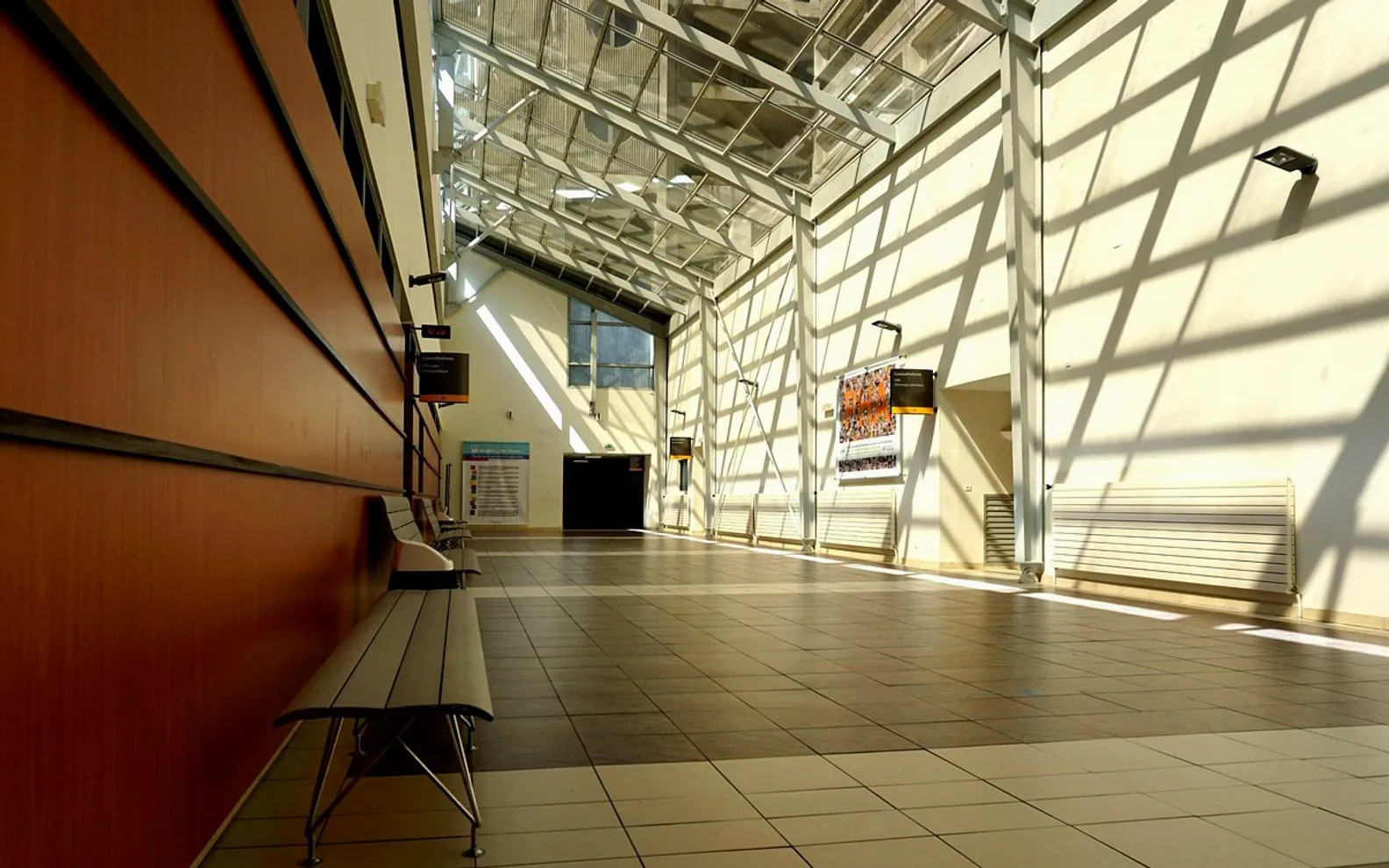
Anyone who has rushed through a large hospital looking for an outpatient clinic knows the feeling: long corridors that all look alike, signs pointing in two directions at once, lifts that only serve some floors. When you are already anxious about an appointment or worried about someone you love, getting lost adds stress you do not need. Digital wayfinding, the use of screens, interactive maps and phone-based directions to guide people around a building, is one way hospitals are trying to make the journey easier.
At its simplest, a wayfinding system replaces or supplements fixed signs with screens at entrances, lift lobbies and busy junctions. A visitor touches the department they need, and the screen shows a route, often with landmarks along the way. Some systems send the same directions to a phone so people can follow them as they walk. Large, clear digital screen display units at the main decision points help those who prefer not to use their own device.
For someone returning to hospital for follow-up care after an accident or operation, a clear route can make the whole visit feel more manageable.
Nurses, porters and receptionists are often stopped several times a day to give directions. A good wayfinding system will not replace a friendly person, but it can reduce the number of interruptions. New staff and agency workers can also find their way around a sprawling site more quickly.
Hospitals change constantly: clinics move, wards are refurbished and entrances close for building work. Printed signs can take months to replace, while digital directions can be updated centrally. That flexibility is one of the strongest arguments in favour of these systems, as long as someone is clearly responsible for keeping the information current.
Some hospitals connect wayfinding to their appointment and check-in systems. After checking in at a kiosk, a patient can receive directions straight to the right waiting area. Others publish maps online so people can plan their route, including parking and entrances, before they leave home.
In a fire or other emergency, screens can switch to show evacuation routes or direct people away from a closed area. Any such use has to be planned with the hospital's safety team and fit alongside existing alarms and signage, but it adds another layer of clear information when it matters most.
Technology only helps if people can use it. The best systems are tested with real patients, including older people and those with visual impairments, before they go live. Screens need to be placed where people naturally pause, at a height that suits wheelchair users, and backed up by good conventional signs for anyone who prefers not to touch a screen. Cost matters too: hospitals need to weigh the upfront investment against savings in printing, staff time and missed appointments.
As buildings and technology evolve, wayfinding will probably become more personal, with routes that adapt to a patient's appointment, mobility needs and preferred language. Whatever form it takes, the goal remains simple: helping people arrive where they need to be, on time and a little less anxious.
Before your next appointment
Tick these off and you will get more out of a short consultation.
A walking stick only helps if it is the right height and in the right hand. Here is how to set one up and the simple rhythm that makes walking steadier.
Crutches feel awkward for the first day or two. Here is how to set them up, the walking patterns for different weight limits and a safe way to tackle stairs.
Even a small bump is shaking. This step-by-step guide covers the first hour, the details you need to swap and the follow-up most people forget.